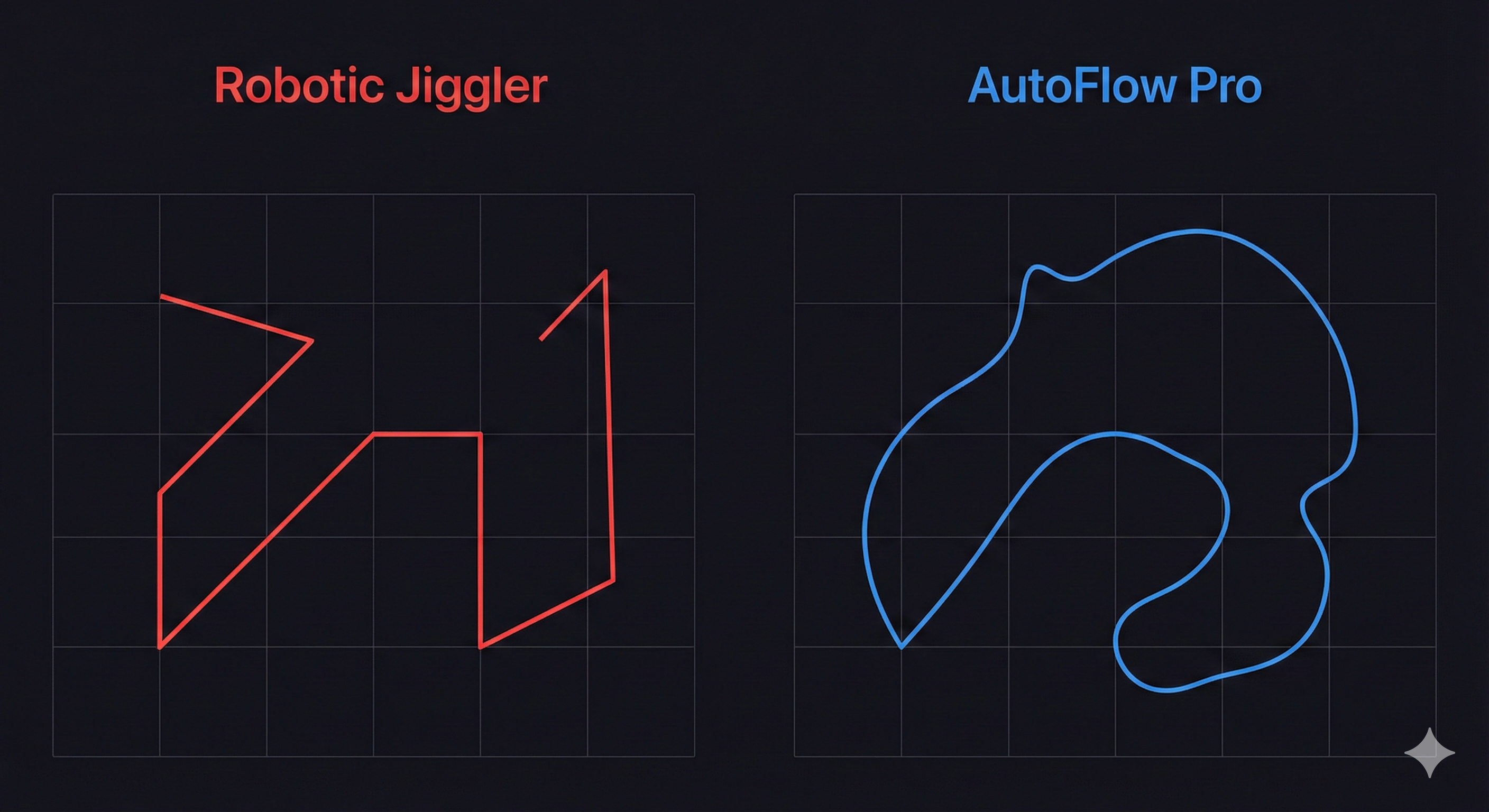
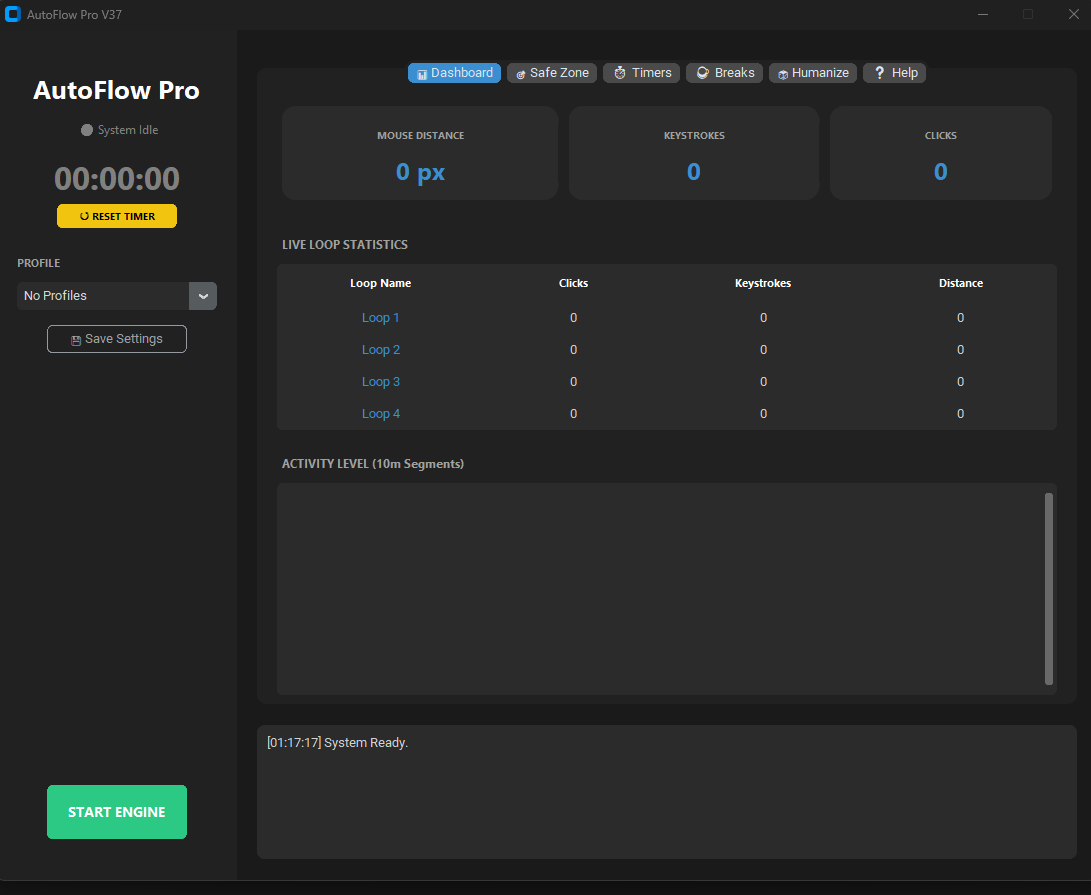
The professional tool for System Availability. Prevent idle timeouts, maintain VPN connections, and manage remote sessions with intelligent activity simulation.
Designed for IT professionals, data analysts, and remote teams who need uninterrupted active sessions.
Prevents screen lock and sleep mode during long data transfers, rendering tasks, or presentations by simulating active input.
Includes smart logic that allows for scheduled downtime, promoting healthy work habits without triggering system idle states prematurely.
Your license is hardware-locked for security. The software runs locally with no cloud dependencies, ensuring data privacy.
Advanced features to manage your workspace activity with precision.
Prevent accidental interruptions to your work. Define a specific "Safe Zone" where the software is allowed to interact.
Track your system uptime and activity levels. Useful for freelancers and contractors billing by the hour who need to verify active system time.
| Comparison | Sleep Blockers | Basic Scripts | AutoFlow Plus |
|---|---|---|---|
| Prevents Sleep Mode | Constant On | Static | ✔ Dynamic Input |
| Collaboration Status | ✘ Unreliable | ✘ No | ✔ Keeps Teams Active |
| Schedule Management | ✘ No | ✘ No | ✔ Timed Intervals |
| Operational Safety | ✘ No | ✘ No | ✔ Safe Zone |
"Essential for large data migrations. It keeps my VDI session active overnight so uploads don't fail due to timeouts."
- James L., Data Engineer
"Helps me maintain 'Available' status on Teams while I'm reviewing physical documents or sketching on my iPad."
- Sarah K., UX Designer
"I use the Safe Zone feature to keep my render machine awake without interfering with the 3D software window."
- David R., VFX Artist
Expert tips on remote workflow optimization and system continuity.
Discover why Teams marks you as "Away" when you are actually working, and how to maintain your active status professionally.
Read Article →Why plugging unknown USB devices into corporate laptops is a security risk, and why software solutions are safer.
Read Article →Large file transfers failing overnight? Learn how to keep your secure tunnel active without violating IT policies.
Read Article →Start with a trial to ensure compatibility with your environment.
No. AutoFlow Plus runs as a portable standard application. It does not require installation or administrator privileges, making it safe for corporate laptops.
Yes. By simulating user input, AutoFlow Plus prevents the system from entering "Idle" state, which stops VPNs and remote sessions (Citrix, RDP) from timing out.
Yes. The continuous activity input ensures your status remains "Available" or "Active," facilitating better communication availability for your team.
AutoFlow Plus operates locally. It does not connect to the internet to transmit data, and the input simulation is confined to the standard Windows API.
Join thousands of professionals maintaining system continuity.
Download for WindowsSupports Windows 10 & 11 (64-bit)